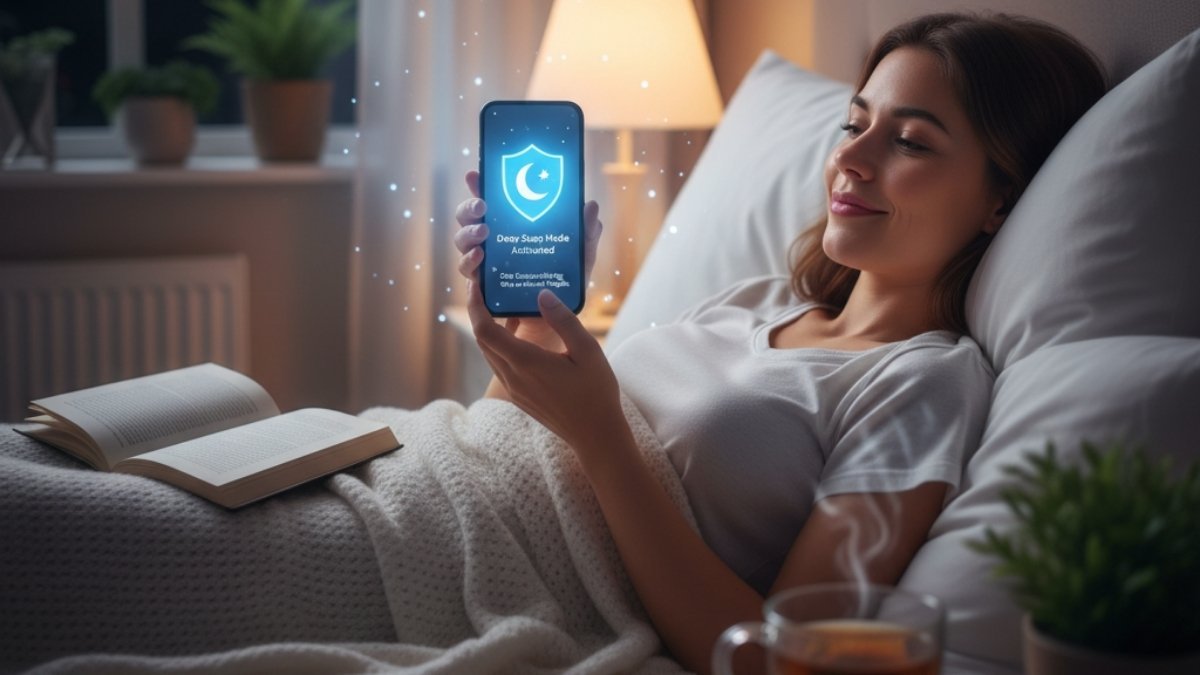
The clock face reads well past twelve. A hush has fallen over your home, yet sleep remains stubbornly out of reach. Why? Because you’re holding a tiny window to the world’s chaos. You glide your thumb across the screen, a restless, familiar rhythm: Up, up, up.
You’re not looking for comfort—you’re seeking out the latest tragedy, the angriest debate, the news that deepens that unwelcome pit of worry. You know it’s counterproductive, you tell yourself to stop, but the compulsion is too strong. Before you know it, an hour has dissolved into a blur of digital noise.
This isn’t a unique weakness; it’s a recognized, pervasive habit we call doomscrolling. It’s the silent, late-night thief of peace, rapidly becoming an epidemic that robs us of essential rest.
So, What Exactly Are We Talking About?

Doomscrolling—or doomsurfing, if you prefer—is the name for falling down a rabbit hole of negative news online, even when it makes you feel sad, anxious, or just plain awful. It’s a loop. The algorithms notice you’re hooked on the bad stuff, so they feed you more of it, and you just keep… scrolling. You lose track of time, stay up way too late, and keep refreshing, hoping for… what, exactly? Good news? An answer? It rarely comes.
The term itself tells a story. It popped up on Twitter back in 2018, but it really exploded in 2020 when the whole world felt like it was holding its breath during the pandemic. It became such a part of our lives that Merriam-Webster officially added it to the dictionary in 2023.
And look, the numbers are kind of staggering. A 2024 survey found that 51% of Gen Z and 46% of millennials are doomscrolling regularly. That’s way higher than the 31% for the general population. One study even found that college students were losing 3 to 5 hours a day to it.
But here’s the part that really matters. This isn’t just about wasted time. It’s about our health. A major study in the journal Health Communication found that about 16.5% of people have a “severely problematic” relationship with news consumption. For that group, a shocking 74% reported mental health problems, and 61% reported physical health problems. Compare that to the rest of the people in the study, where only 8% had mental health issues and 6.1% had physical ones.
That’s not a small difference. It’s a giant, flashing red light. This habit is more than just a habit—it’s a thief that’s robbing us of our well-being, starting with our sleep.
Your Brain on Bad News: The Two-Pronged Attack on Sleep

So why does that late-night scroll completely wreck your sleep? It’s not just one thing. It’s a coordinated, two-pronged attack on your body’s natural ability to rest.
Think of it this way: your phone is fighting a war for your wakefulness on two fronts. The first is biochemical—the light from the screen is literally tricking your brain’s chemistry. The second is neurological—the stuff you’re reading is cranking up your body’s ancient, caveman-era alarm system.
1. The Biochemical Sabotage (Your Phone Is Lying About the Sun)

Your body runs on a 24-hour internal clock called the circadian rhythm. It’s the master conductor of your energy, hunger, and, most importantly, your sleep-wake cycle. The headquarters for this operation is a tiny part of your brain called the suprachiasmatic nucleus (SCN). The SCN’s main job is to watch for one big cue: light.
When the sun goes down, the SCN gives the pineal gland the green light to start making melatonin. You’ve probably heard of it. It’s often called the “hormone of darkness,” and its job is to send out a memo to your entire body that says, “Alright, everyone, it’s nighttime. Time to wind down.”
But here’s the problem. Our phone screens blast out a very specific kind of high-energy blue light (in the 460-480 nanometer range, for the science nerds). And it turns out, our eyes have special sensors just for this light. They’re called intrinsically photosensitive retinal ganglion cells (ipRGCs), and they contain a pigment called melanopsin that is hyper-sensitive to that exact shade of blue.
These cells are basically a direct hotline to your brain’s master clock. When they see that blue light—even at 1 a.m. in a dark room—they scream, “IT’S DAYTIME! THE SUN IS UP!” Your SCN, hearing this, immediately tells the pineal gland to shut down melatonin production—emergency brake.
The results are brutal and measurable. Just two hours of looking at an LED tablet before bed can slash your melatonin levels by 55% and delay your body’s natural sleep signals by an hour and a half. Another study saw a similar delay of about 1.1 hours. This chemical chaos is why you toss and turn, unable to fall asleep, and why you get less of that deep, restorative REM sleep that your brain needs to function.
2. The Neurological Alarm (Your Brain Thinks There’s a Tiger Outside)

While the screen’s light is messing with your hormones, the content on it is launching a separate attack.
Our brains are hardwired with a negativity bias. It’s an old survival trait. Our ancestors who paid more attention to the sound of a twig snapping (potential tiger!) than the pretty sunset were the ones who lived to pass on their genes. Doomscrolling is like a buffet for this bias. The algorithms know that scary, emotional, and threatening stuff is what grabs our ancient brain’s attention, so that’s what they serve up.
On top of that, when the world feels uncertain, we have a deep psychological need for control. We think that if we just get one more piece of information, we’ll feel safer and more prepared. But it’s a trap. The search for answers just uncovers more things to worry about, which makes us more anxious, which fuels an even more frantic search for information. It’s a vicious cycle.
This mental state has a very real, very physical effect. It flips the switch on your sympathetic nervous system—your body’s “fight-or-flight” mode. Your brain, processing all this bad news as a real threat, hits the panic button. Your system gets flooded with stress hormones, mainly cortisol and adrenaline.
You know the feeling: your heart starts beating faster, your breathing gets shallow, your muscles get tight, and your thoughts start racing. As sleep neurologist Dr. Chris Winter puts it, this is your body doing its job. Just like the smell of smoke would jolt you awake to save you from a fire, the “threat” from the news triggers a similar override, putting your brain on high alert. You simply can’t fall into a deep, restful sleep when your body is braced for a tiger attack.
This is the truly insidious part of doomscrolling. It hits you with both attacks at once. The blue light is killing your sleep hormone, and at the same time, the content is jacking up your stress hormones. It’s a perfect storm for a sleepless, anxious night.
The “One Setting” Solution: Why Grayscale Is the Ultimate Off-Switch
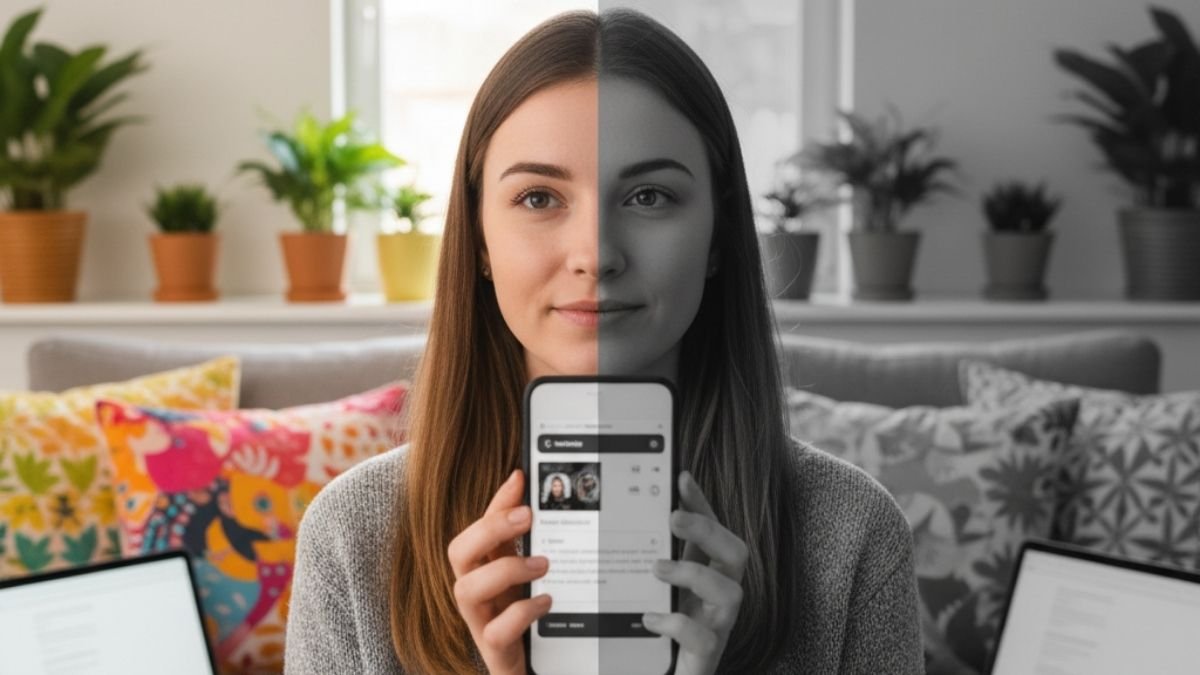
So, if doomscrolling is a two-pronged attack, we need a solution that fights back on both fronts, right? Well, not exactly. While things like blue light filters can help a little, they don’t fix the core problem: the fact that you can’t put the phone down in the first place.
The most powerful, effective, and, honestly, elegant solution is a single setting that’s already on your phone: Grayscale mode. And its magic has nothing to do with light. It works by systematically dismantling the psychological tricks that make your phone so addictive.
First, Let’s Get One Thing Straight: Grayscale Is NOT a Blue Light Filter
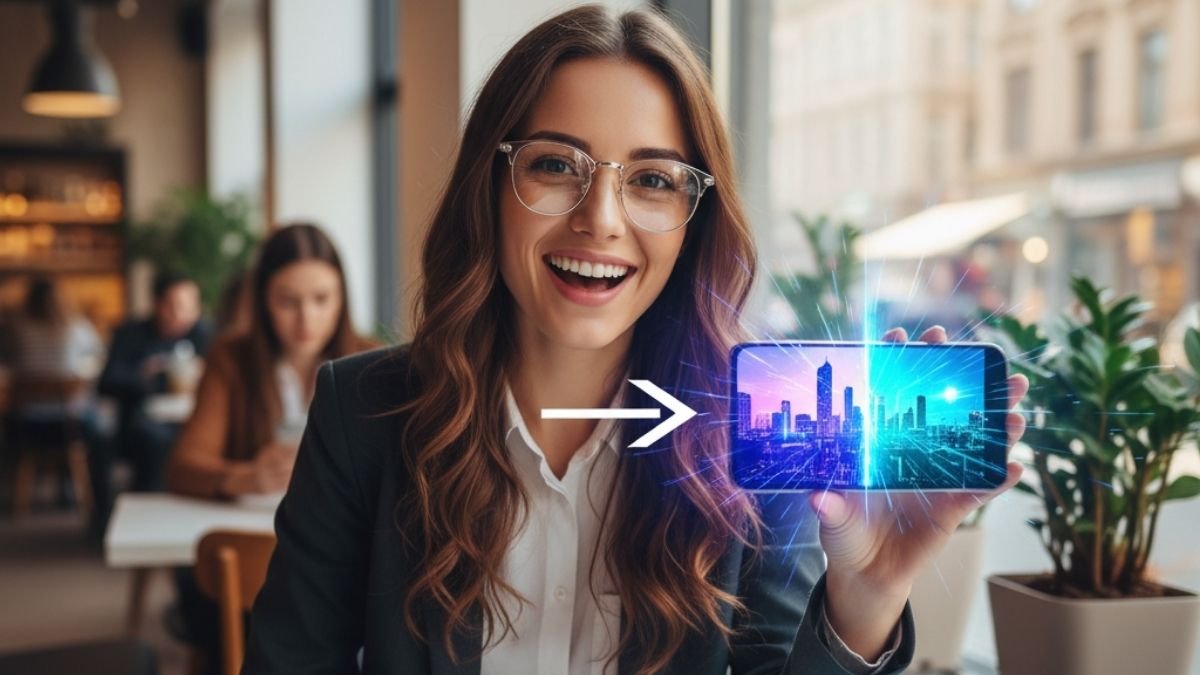
This is a huge misconception, so let’s clear it up right now. Turning your phone to Grayscale does not reduce the amount of blue light hitting your eyes. All it does is strip the color out of the image. A pixel that was bright blue is now a bright shade of gray, but it’s still made of the same light, including those sleep-wrecking blue wavelengths.
So, no, Grayscale won’t help with the biochemical attack. Its power is entirely behavioral. And trust me, it’s far more effective.
The Real Magic: Making Your Phone Boring

Here’s the secret. App developers and tech companies are masters of psychology. They know that bright, flashy colors are like candy for your brain. Those screaming red notification bubbles? The vibrant, saturated photos in your feed? They are meticulously designed to trigger an emotional response, create urgency, and give you a little hit of dopamine—the brain’s reward chemical. Your phone is basically a pocket-sized slot machine, and color is what makes pulling the lever so damn irresistible.
Grayscale is the off-switch for all of it.
By turning your screen into a drab, black-and-white landscape, you instantly transform your phone from a dazzling entertainment device into a boring, utilitarian tool. The notification badges lose their urgency. The endless photos and videos become less captivating. The whole experience just becomes… meh. And that’s the point. It breaks the spell.
This isn’t just a theory; it’s backed by experts. Dr. Alex Holte, a psychology professor who has studied this exact intervention, says he’s “more than 95% confident it will be effective for an individual” at cutting down on problem phone use. His research shows that making the phone less gratifying is the key to helping people get their control back.
And It Actually Works
The proof is in the data.
- One study had students use their phones in Grayscale for about a week. The result? They spent significantly less time on social media and browsing the internet. Their total screen time dropped by an average of 37.9 minutes every single day.
- Another study by Holte found that after using Grayscale, not only did people’s social media use “decline significantly,” but they also scored lower on anxiety tests. So it doesn’t just change the behavior; it eases the emotional fallout.
- When researchers looked at a “digital wellness challenge” that included Grayscale, participants consistently said the “reduced allure because of grayscale mode” was a huge reason they were able to cut back.
Think about it. The damage from doomscrolling—both the melatonin suppression and the stress activation—is directly tied to how long you’re staring at the screen. Grayscale is the one setting that attacks the root cause. By making your phone psychologically unappealing, you short-circuit the compulsive loop and make yourself want to put it down. And when you use your phone less, you’re automatically exposed to less blue light and less stressful content. It’s the one change that fixes both problems at once.
The Digital Wellness Toolkit: A Quick and Dirty Guide to Your Phone’s Settings

Grayscale is my number one draft pick for fighting doomscrolling, but it’s not the only player on the team. Your phone has a few other built-in tools that can help protect your sleep. Knowing what each one does—and what it doesn’t do—lets you build a much stronger defense.
Let’s break them down.
Blue Light Filters (Night Shift / Night Light)
- What it actually does: This is the setting that tackles the biochemical problem. It changes the color temperature of your screen, making it warmer and more orange, which reduces the amount of that specific blue light that messes with your melatonin.
- Does it work? The science here is pretty solid for the built-in software filters. They can definitely help reduce the hormonal disruption if you absolutely have to be on your screen at night. A quick aside: those physical blue-light-blocking glasses you see advertised? The evidence is a lot shakier. A huge 2023 review found “very low-certainty evidence” that they actually improve sleep. So, stick with the software.
App Timers
- What it actually does: This is a purely behavioral tool. You can set a daily time limit for certain apps, like 30 minutes for Instagram. When time’s up, the app gets blocked.
- Does it work? Kind of. Its main job is to interrupt your mindless scrolling and make you consciously decide if you want to keep going. But on most phones, you can just tap “ignore limit for today” and get right back to it, which makes it a bit weak against a strong habit. It’s more of an awareness tool than a real barrier.
Downtime / Focus Mode / Bedtime Mode
- What it actually does: This is the heavy-duty behavioral option. You can schedule a block of time—say, from 10 PM to 7 AM—where almost all of your apps and notifications are completely shut off. Only the essentials you pre-approve (like your phone app) can get through.
- Does it work? Yes, this is highly effective if you stick to it. Its power is in automation. You decide to disconnect ahead of time, so you don’t have to rely on willpower when you’re tired. It carves out a protected, screen-free zone before bed, which is a cornerstone of good sleep.
The Sleep-Saving Settings Matrix
To make it super clear, here’s a little cheat sheet comparing the tools.
Optimize Your Phone for Better Sleep 😴📱
Leverage these settings to reduce screen time impact and promote restful nights.
This infographic details common phone settings and their mechanisms for improving sleep by reducing detrimental screen exposure and behavior.
The takeaway? A winning strategy uses a few of these together. Use Grayscale as your main weapon to break the habit, schedule a Blue Light Filter to turn on automatically every evening, and use Downtime to lock your phone down for an hour before you go to bed.
The Grayscale Protocol: Okay, Let’s Do This Right Now
Turning on Grayscale is easy. The real trick is setting it up so you can toggle it on and off without a hassle. The goal isn’t to live in a black-and-white world forever; it’s to use it strategically at night. Setting up a shortcut is the key to making this a sustainable habit.
Grab your phone. I’ll walk you through it.
For iPhone (iOS) Users
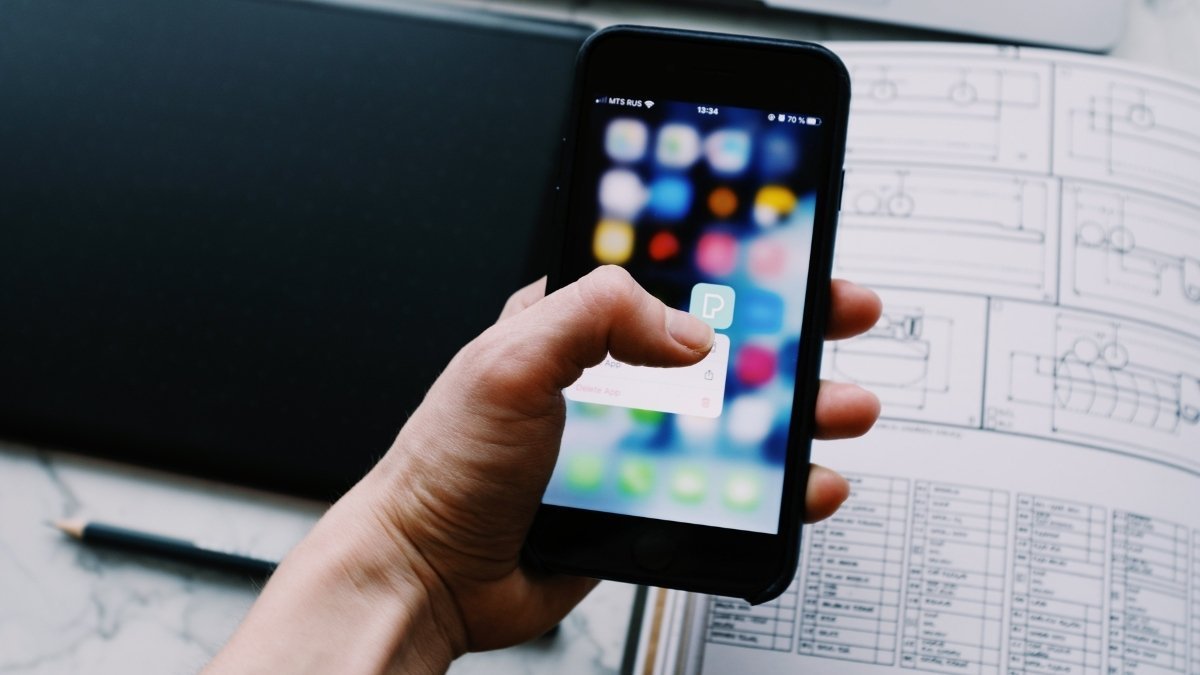
Apple makes this super simple with its Accessibility Shortcuts.
First, Turn on the Grayscale Filter
- Open Settings.
- Go to Accessibility > Display & Text Size.
- Tap on Color Filters.
- Flip the Color Filters switch on.
- Select Grayscale. Your screen should go black and white right away.37
Now, let’s make the Magic Shortcut (This is the important part!)
This will let you turn Grayscale on and off with a quick triple-click of the side button.
- Go back to Settings > Accessibility.
- Scroll all the way to the bottom and tap Accessibility Shortcut.
- Tap on Color Filters so a blue checkmark appears next to it.38
- That’s it! Exit settings. Now, just triple-click your side button (or Home button on older iPhones) to switch between color and Grayscale instantly.
Pro-Tip: Automate It for Problem Apps
If you have specific apps that are your doomscrolling kryptonite, you can set your phone to automatically go Grayscale whenever you open them.
- Open the Shortcuts app and tap the Automation tab.
- Tap the “+” to create a new automation and select App.
- Choose the app(s) you want to target (like X, Instagram, etc.). Make sure “Is Opened” is selected and “Run Immediately” is on. Tap Next.
- Search for the action “Set Color Filters” and make sure it’s set to “Turn Color Filters On.” Tap Done.
- Now, create a second automation. Repeat the steps, but this time choose “Is Closed” for the same apps.
- For the action, select “Set Color Filters” again, but make sure it’s set to “Turn Color Filters Off.” Tap Done. Now those apps will be boring and black-and-white whenever you open them, and pop back to color when you close them.38
For Android Users
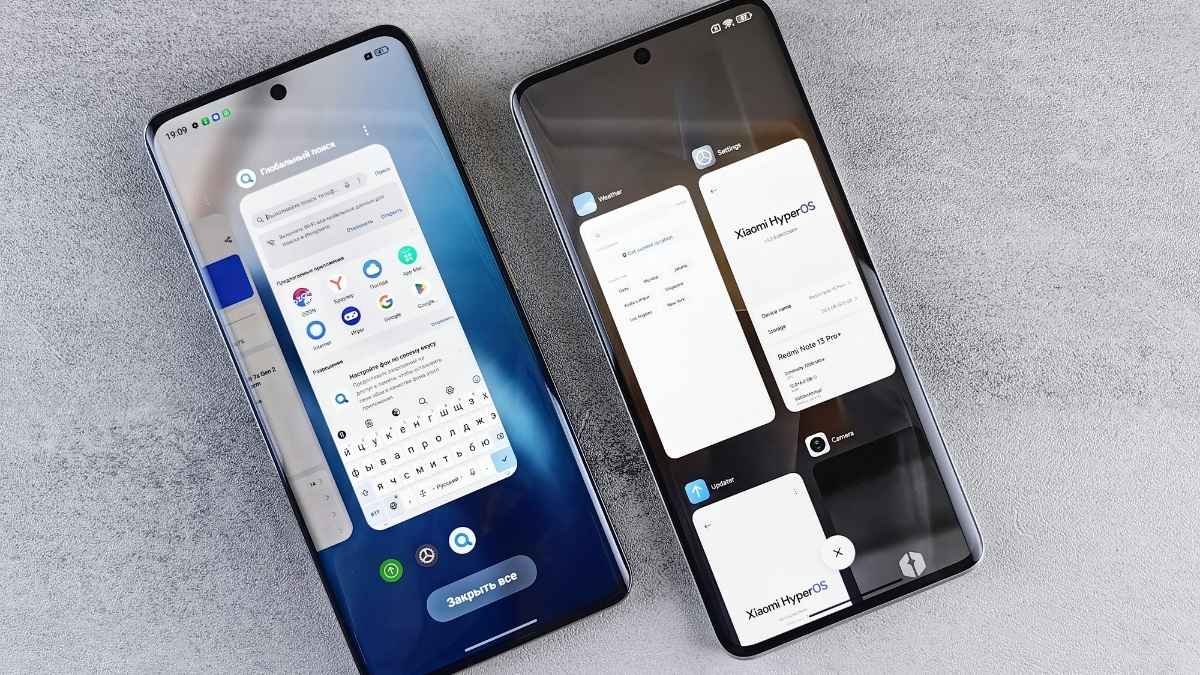
The steps can be a little different depending on your phone’s manufacturer, but you’ll generally find the setting in the same couple of places.
The Easiest Way: Use Bedtime Mode
This is the best method for most people because it’s automatic. It will turn your screen to Grayscale on a schedule every night.
- Open Settings.
- Go to Digital Wellbeing & parental controls.
- Tap on Bedtime mode.
- Set up a schedule for when you want it to turn on and off each night.
- Once the schedule is set, tap on Customize.
- Select Screen options at bedtime.
- Toggle the Grayscale switch on.. 41Done. Now your phone will automatically help you wind down every night by going black and white, and it’ll be back to color in the morning.
The Manual Way (for quick access)
If you want a manual toggle like the iPhone shortcut:
- Open Settings > Accessibility.
- Look for Color and motion or Visibility enhancements.
- Tap on Color correction (or Color adjustment).
- Turn it on and select Grayscale.
- Many phones will also offer an Accessibility shortcut on this screen. If you enable it, a small icon will appear on your screen that you can tap to toggle Grayscale on and off.
Beyond the Screen: Rewiring Your Nighttime Brain
Look, a tech fix like Grayscale is an amazing tool. But it’s just that—a tool. To make a lasting change, you also have to work on the habits and thoughts that got you into the late-night scrolling trap in the first place. This is where we can borrow some simple, powerful ideas from Cognitive Behavioral Therapy (CBT), which is all about retraining our brain’s unhelpful patterns.
Principle 1: The Bedroom Is for Sleep. Period.

This is a core idea in CBT for Insomnia called stimulus control. It’s simple: you need to make your brain associate your bed with sleep and only sleep. When you work, eat, watch Netflix, and scroll through horror stories in bed, your brain gets confused. It starts to see the bed as a place for being awake, anxious, and stimulated.
- Your Action Plan: Make a hard and fast rule: your phone does not live in your bedroom. Charge it overnight in the kitchen or the living room. Worried about your alarm? Buy a cheap, old-school alarm clock. This one change is a game-changer. It removes the temptation at its source and starts reteaching your brain that when you get into bed, it’s time to shut down.
Principle 2: Create a “Landing Strip” for Sleep
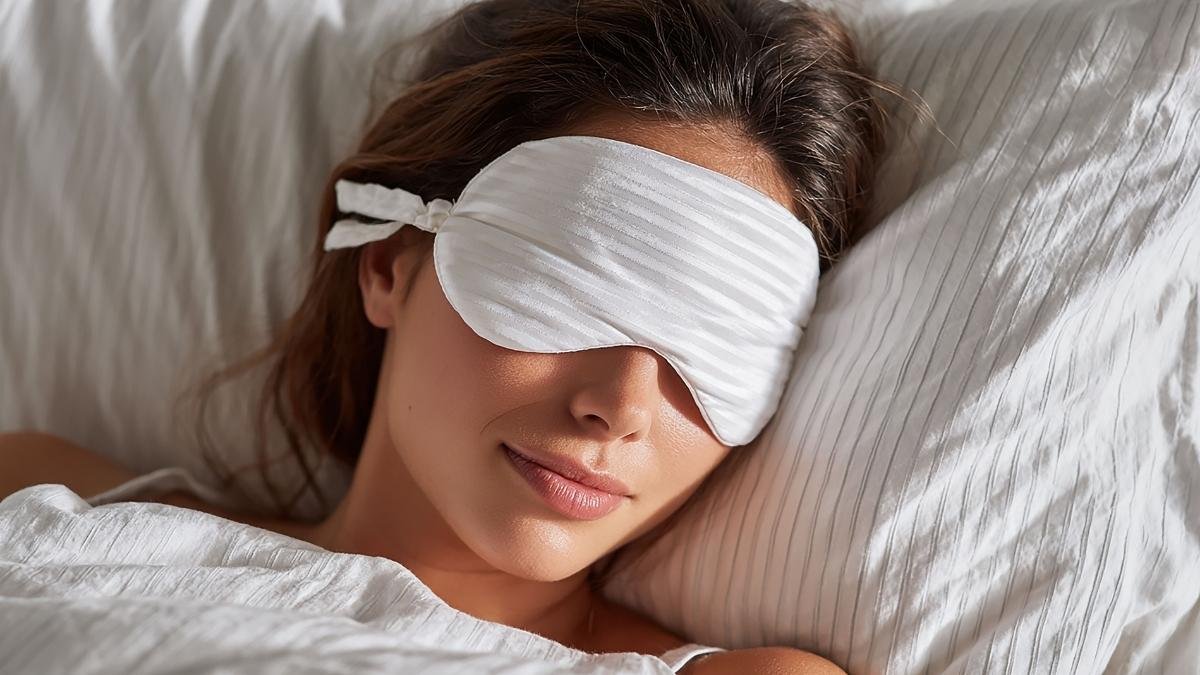
Your brain can’t go from 100 miles per hour to zero in five seconds. It needs a transition period—a “wind-down routine” or a “buffer zone.” Giving yourself 30 to 60 screen-free minutes before bed lets your nervous system shift from “fight-or-flight” mode to “rest and digest” mode.
- Actionable Alternatives to Scrolling:
- Do a “Mind Dump”: A huge reason we can’t sleep is that our brain is running through our to-do list and all our worries. Grab a notebook and physically write it all down. Get it out of your head and onto the paper. It’s surprisingly effective at quieting the noise.
- Read a Real, Paper Book: Reading a physical book is a focused, linear activity. Unlike a social media feed, it doesn’t have infinite scroll, and it doesn’t blast your brain with blue light. A chapter has a natural end, giving you a clear stopping point.
- Try a Body Scan: This is a simple mindfulness trick. Lie in bed and just bring your attention to different parts of your body, one by one, from your toes to your head. Notice any tension and consciously let it go. It’s incredibly effective at releasing the physical stress that anxiety builds up in your muscles.
Principle 3: Scroll with a Purpose, Not by Habit
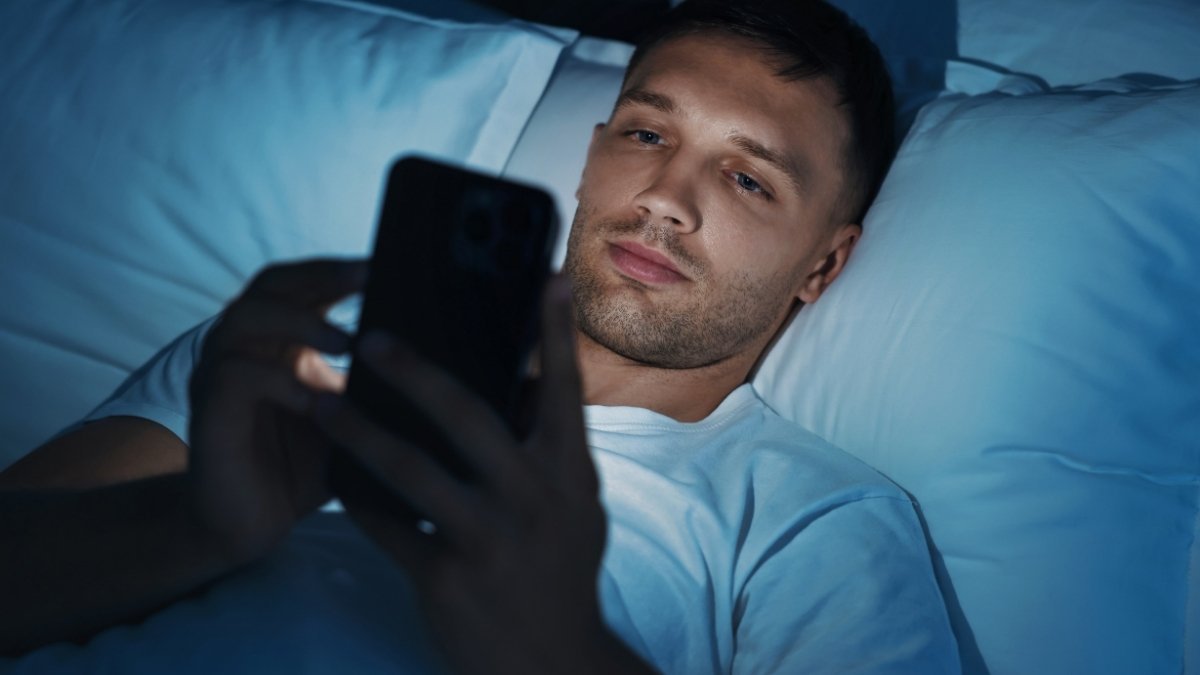
There will be times you need to check the news or use social media. The key is to do it mindfully and intentionally, not as a compulsive, automatic reflex.
- Actionable Strategies:
- Set an Intention: Before you open an app, just pause for one second and ask yourself, “What am I opening this for?” This tiny pause can be enough to break the mindless habit loop.
- Curate Your Feed: You are the boss of your digital world. Unfollow, mute, and block the accounts that consistently stress you out. Actively seek out and follow accounts that are positive, funny, or inspiring. You have to intentionally balance your information diet.
- Turn Off Push Notifications: This is a big one. Push notifications are designed to hijack your attention and create a false sense of urgency. Go into your settings and turn off all non-essential notifications from news and social media apps. Take back control of when you decide to look at your phone.
Need a Little More Help? Look Into These.
Changing habits is tough, and sometimes having the right physical tools can make all the difference. These aren’t magic fixes, but they can support the new routines you’re building and make the transition away from late-night scrolling a little easier.
1. A Sunrise Alarm Clock (Like the Hatch Restore 2)

If the biggest reason your phone is in your bedroom is because it’s your alarm, this is your solution. Instead of a jarring beep, a sunrise alarm clock gradually brightens the room to wake you up gently, mimicking a natural sunrise. The Hatch also functions as a sound machine and reading light, helping you create a whole new, phone-free wind-down routine.
2. Amber-Tinted Blue Light Blocking Glasses

For nights when you absolutely have to be on a screen, a good pair of blue light-blocking glasses can help mitigate the damage to your melatonin production. Look for ones with a noticeable amber or orange tint, as these are the most effective at filtering out the specific blue wavelengths that disrupt sleep. They can help take the edge off evening screen time.
3. A Quality Weighted Blanket (Like the Gravity Blanket)

If anxiety is what keeps your mind racing at night, a weighted blanket can be a game-changer. The gentle, firm pressure provides a calming sensation, like a constant hug, which can help soothe an overactive nervous system and make it easier to relax into sleep.
4. The Five Minute Journal

One of the best alternatives to scrolling is journaling, but a blank page can be intimidating. The Five Minute Journal provides simple, structured prompts for the morning and evening that focus on gratitude and positive reflection. It’s a quick, easy way to offload your thoughts and reframe your mindset before bed.
5. An Essential Oil Diffuser

Creating a calming environment is key to a good wind-down routine. An essential oil diffuser can fill your room with relaxing scents like lavender or chamomile, signaling to your brain that it’s time to relax. It’s a simple sensory cue that can help replace the habit of reaching for your phone.
You’re in Charge, Not Your Phone

Let’s be real: doomscrolling is one of the defining challenges of living in this hyper-connected world. The science is clear. The combination of sleep-killing blue light and stress-inducing bad news is a powerful one-two punch to our ability to rest.
But the very technology that creates the problem also holds the solution.
Grayscale mode is your secret weapon. By stripping away the psychological rewards that make your phone so addictive, it attacks the root of the problem. It makes you want to use your phone less, which is the most powerful change you can make.
But a single setting isn’t a magic bullet. Real, lasting change happens when you combine that smart tech fix with a smarter approach to your life. Pair Grayscale with a blue light filter and scheduled downtime. And back it all up with solid habits, like getting your phone out of your bedroom and creating a real wind-down routine.
The digital world is built to keep you hooked. But you don’t have to be a passive victim of its design. With a little bit of knowledge and a few intentional changes, you can absolutely take back control, protect your sleep, and reclaim your peace of mind.